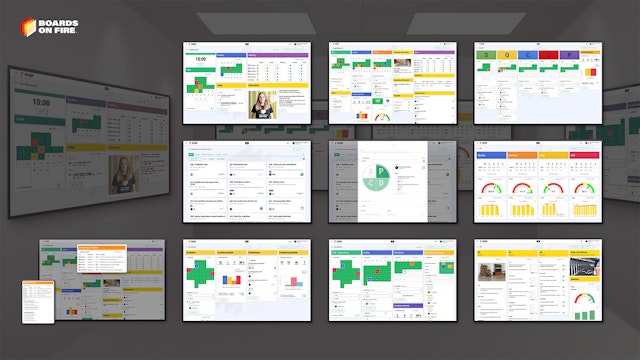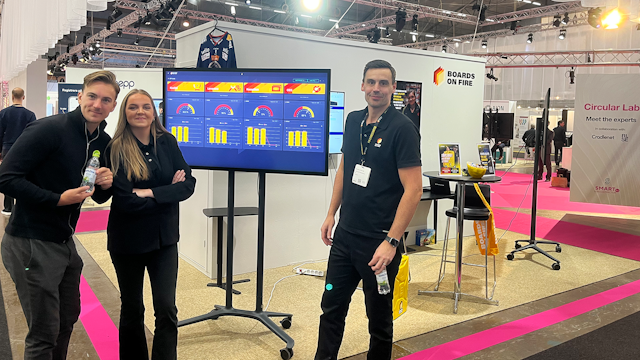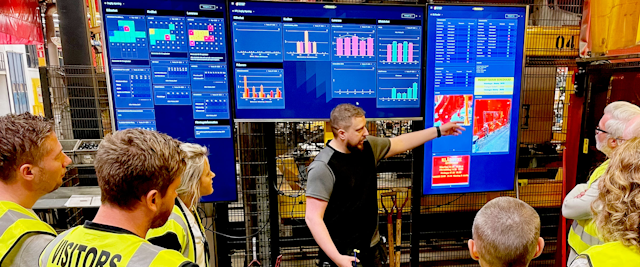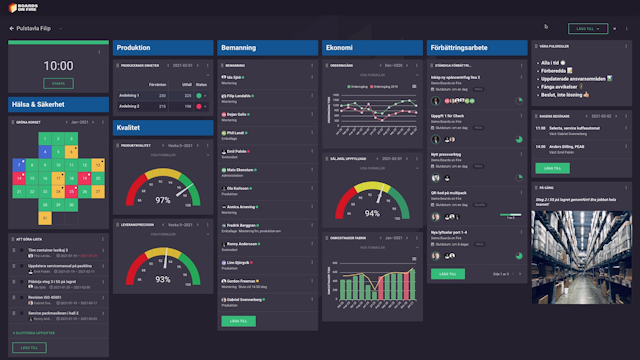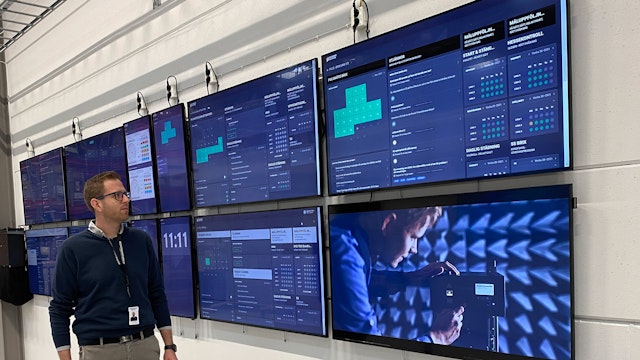
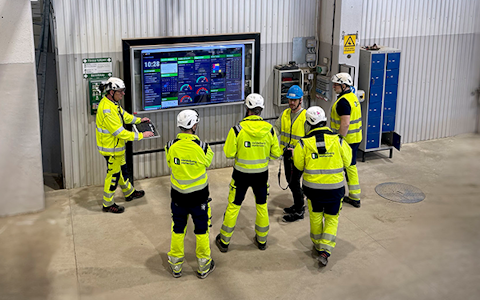
Digital dashboards that help you identify deviations and make the right decisions.
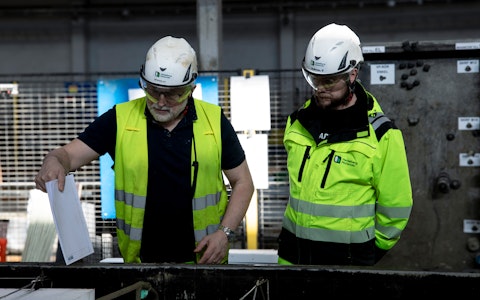
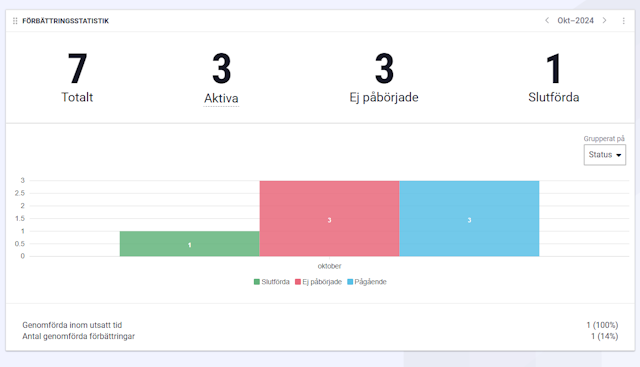
Capture your deviations and turn them into improvements
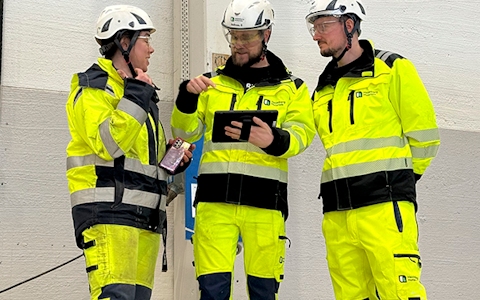
Continuous improvement, Kaizen boards, PDCA and other tools.
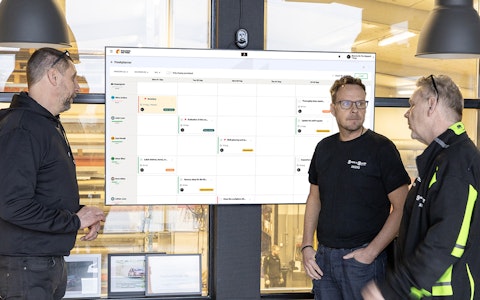
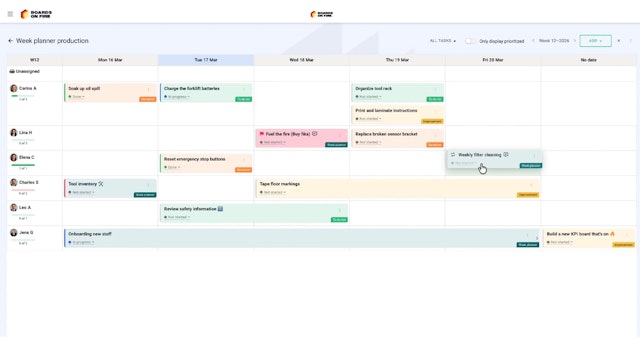
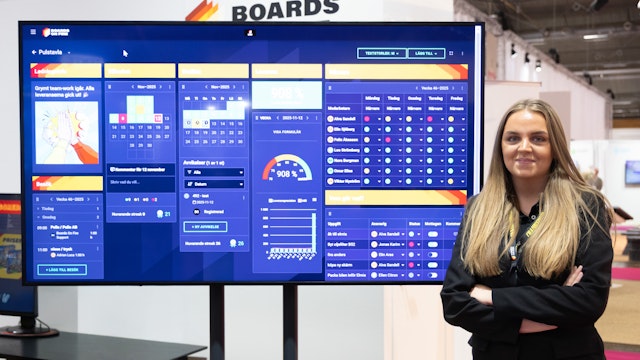
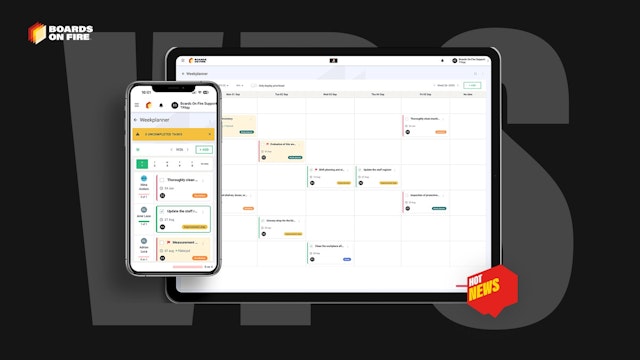
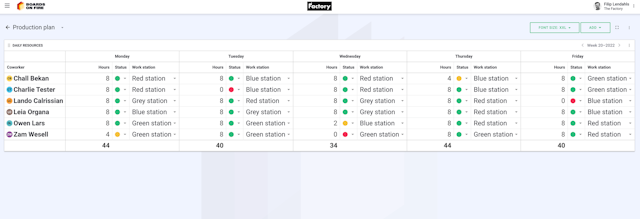
All your team’s tasks, neatly organized in one weekly view.
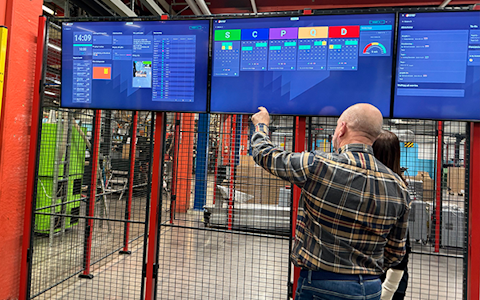
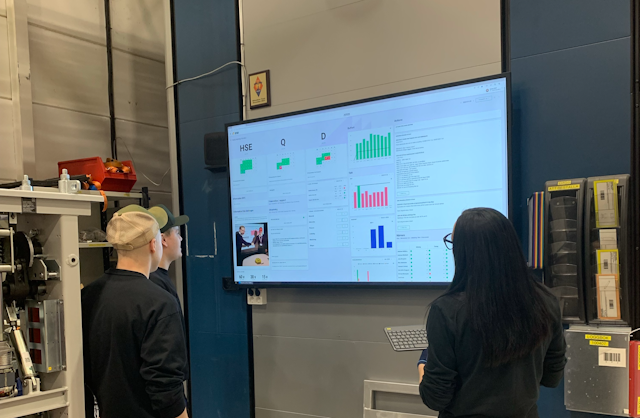
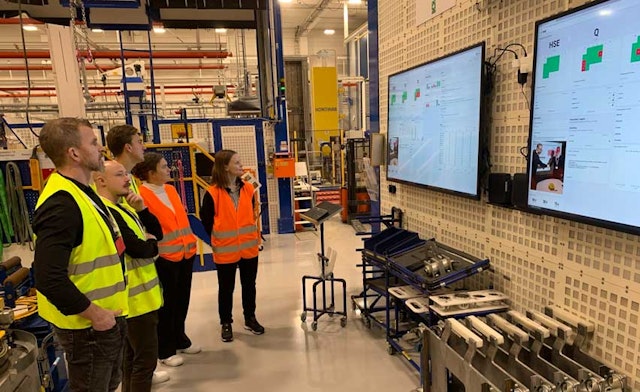
Improve key performance indicators within your specific focus areas with our SQCDP board.
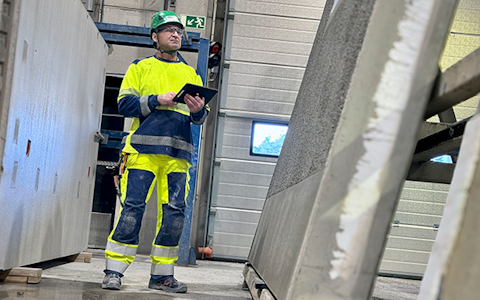
Use the PDCA cycle as a tool to improve both quality and processes
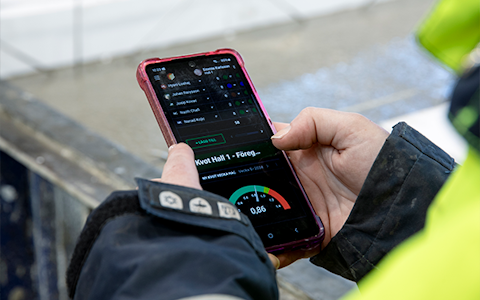
Digital tools for 5S work, recurring audits, and a well-organized workplace.
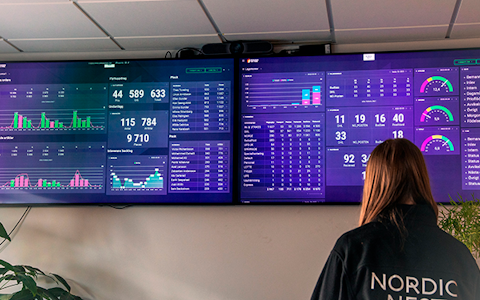
Visualize KPIs and communicate effectively throughout the entire organization.

Basic project management and activity boards.
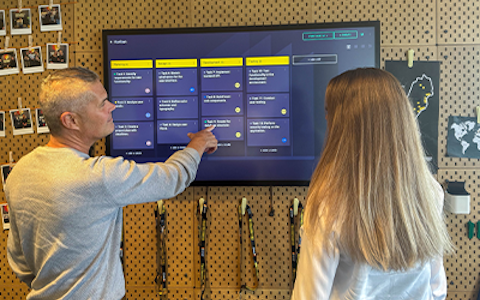
Kanban is a powerful method for visualizing, managing, and optimizing workflows.

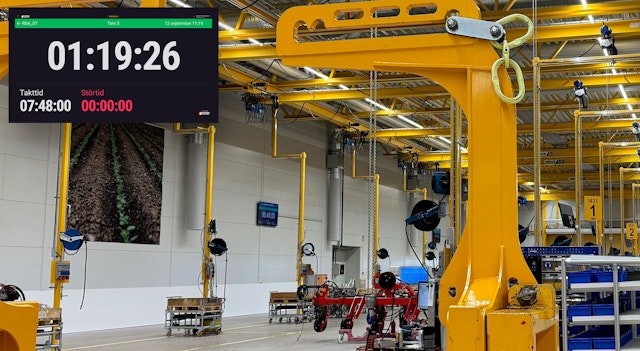
Digital dashboards for takt time flow with takt time counter and stop time log.
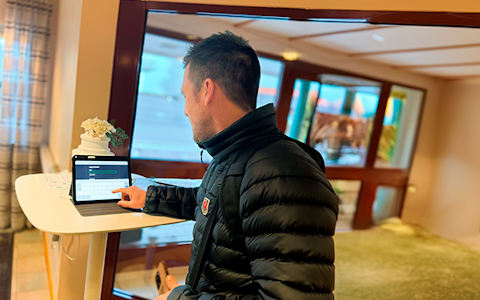
Digital visitor registration provides full control over all planned and executed visits to your business.
Our customers agree that it is easy to get started with Boards on Fire. However, there are a few things worth keeping in mind to make the process even smoother.
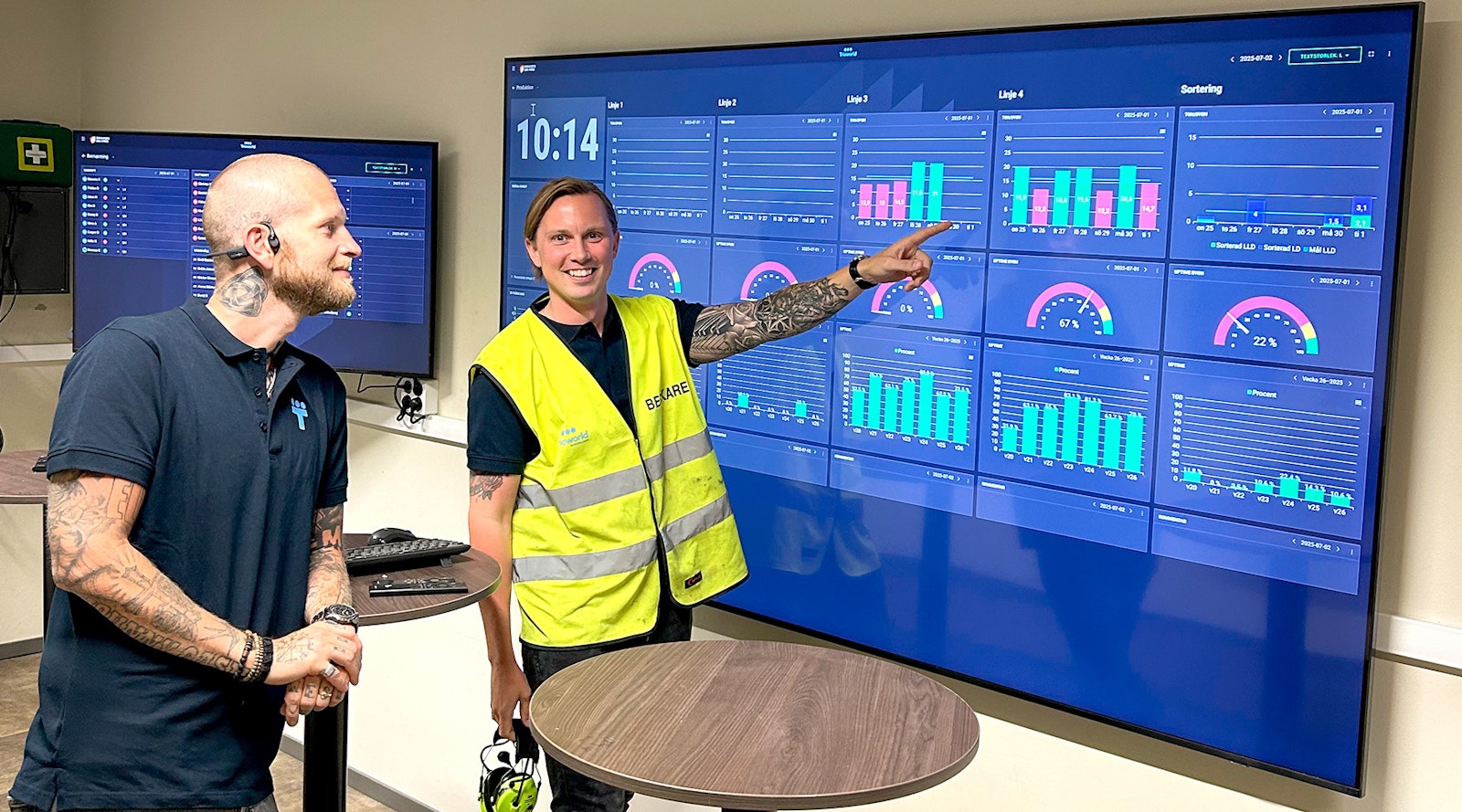
A few initial tips for a smooth start are to involve the entire organization early in the implementation process. Begin by clearly communicating why you are choosing Boards on Fire, how it will impact the organization, what goals you want to achieve, and what the timeline looks like. When everyone shares the same understanding and feels involved, both engagement and the conditions for a successful implementation are strengthened.
A successful implementation can mean that:
We also recommend appointing at least two people early on, firestarters, as we like to call them, who will be responsible for the process to ensure long-term adoption and clear ownership.
As support, we offer a structured onboarding process together with a Customer Success Manager, where you collaboratively build your boards based on your specific needs and preferences.
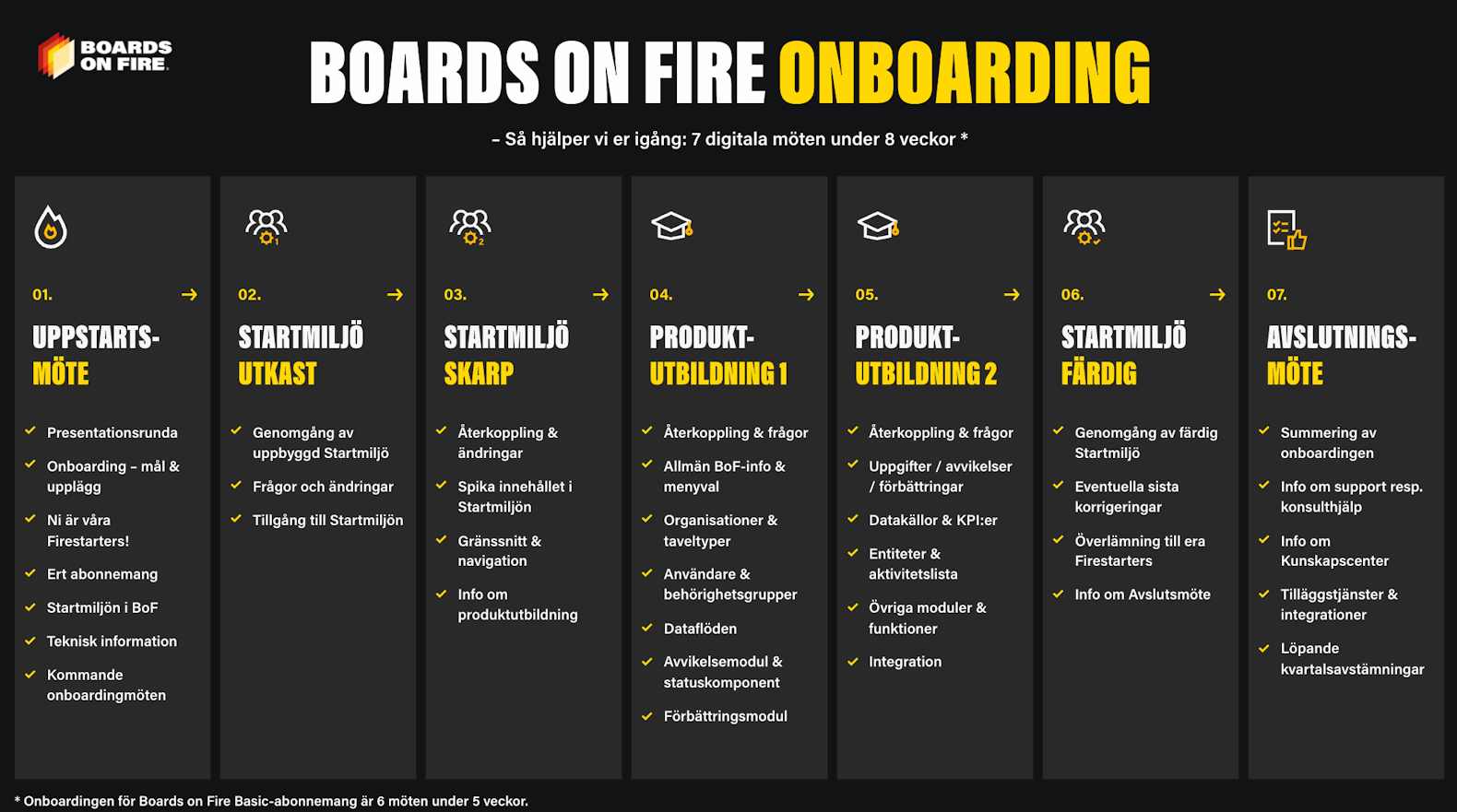
Boards on Fire offers a structured eight-week onboarding process, divided into seven clear steps. After these weeks, you will be fully up and running with Boards on Fire.
We remain available for support and consulting even after the onboarding process is completed.
See the image below for more in-depth information about the different steps and their content.
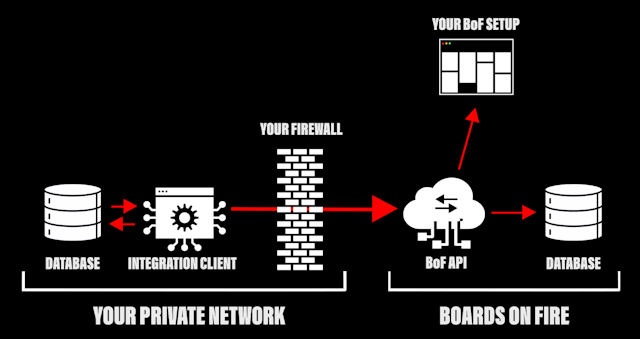
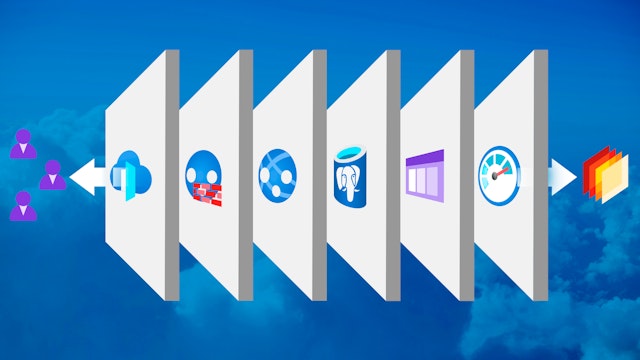
Boards on Fire is a cloud-based service, which means that all data is stored, managed, and processed over the internet rather than locally on your computers or servers. This provides several advantages, including increased scalability, cost efficiency, improved accessibility, and greater flexibility. In addition, you can use Boards on Fire from any device with a web browser.
Five things you need to work smoothly in Boards on Fire:
Many of our users base their boards on their existing structure for key metrics and other important information. This makes the transition smooth, and employees immediately recognize the way of working, leading to early impact and increased engagement.
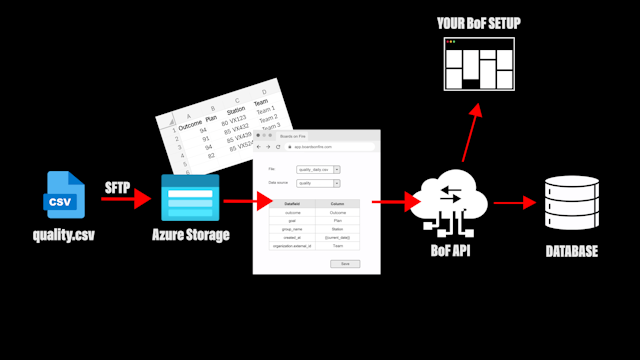
Boards on Fire can also be easily integrated with other systems. If you want to retrieve information from external systems, it is a good idea to map which systems you currently use, what data is collected, how it should be presented, and how often it should be updated.
If you do not yet have a defined structure, or if you want to further develop it, we can guide you with inspiration. Common structures may include data on accidents and incidents, deviations, improvement suggestions, production data, and attendance lists. The boards are always customized to your specific needs and preferences.
To create the most effective solution possible, it can be valuable to reflect in advance on which key metrics are most important to highlight.
Once you have decided what information to visualize on your boards, the next step is to design the structure. Team boards within the organization often have a production focus, while management screens present a summarized overview of the information.
The layout component in Boards on Fire makes it possible to adapt the structure of the boards to your specific needs. By creating a clear visual structure, you can quickly identify important information, gain better oversight of KPIs, tasks, and goals, and improve understanding of workflows.
Explore different types of boards structures
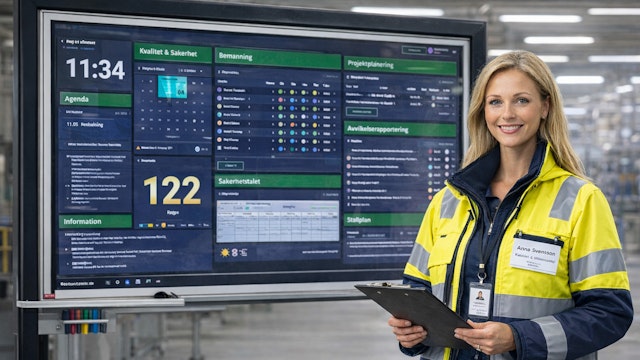
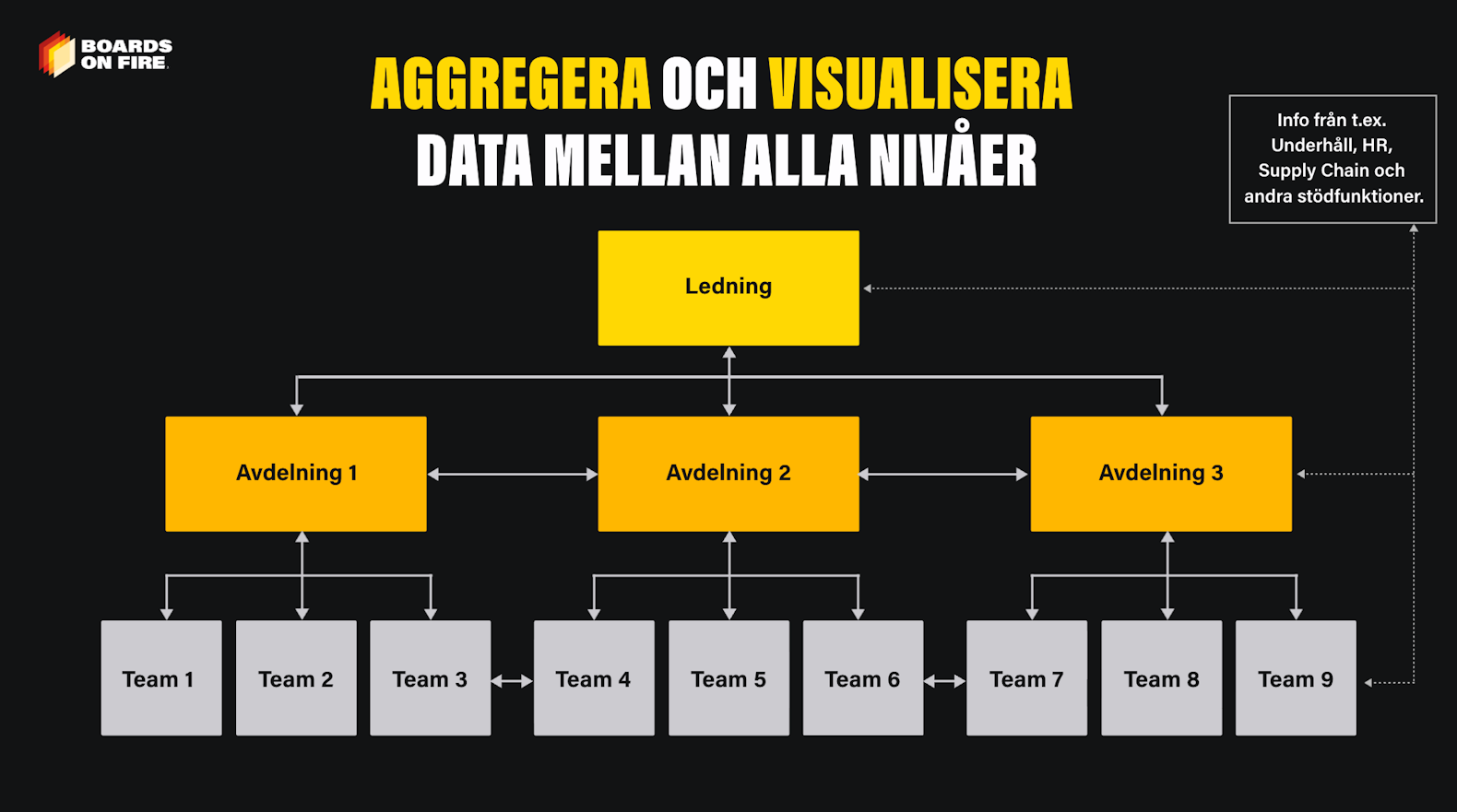
Boards on Fire is a flexible tool that can be fully adapted to your needs and preferences, including how information and key metrics are displayed on your screens. The platform also enables information to be organized both upward and downward within the organization. Management can easily follow team performance, delegate tasks, and identify success factors or areas for improvement.
You have full control over which tasks and key metrics are visualized and aggregated, and you can activate, adjust, or disable different information flows at any time. This ensures that the right information reaches the right person at the right time, without overloading teams with unnecessary details. This also reduces duplicate data entry.
Permission groups in Boards on Fire control the rights and access levels each user has on the platform — in other words, what they can see and do. Every user must belong to at least one permission group to gain access and can be part of multiple groups, depending on their role or responsibilities.
The groups can reflect your organizational structure and can be easily adjusted when roles change or new parts of the organization are added. Customer administrators automatically have full permissions and therefore do not need to be assigned to a group.
Boards on Fire’s three permission levels:
Read more about premissions groups here
Boards on Fire is more than just a tool, it’s a future-proof and flexible system that can be adapted to your needs, no matter how your organization evolves. With Boards on Fire, you get a solution that scales smoothly as you grow, without compromising on functionality or user experience. Whether you are expanding into new markets, increasing the number of projects, or streamlining internal processes, our system keeps pace and supports you every step of the way. It’s a system designed not just to meet today’s requirements, but also to be ready for the future.
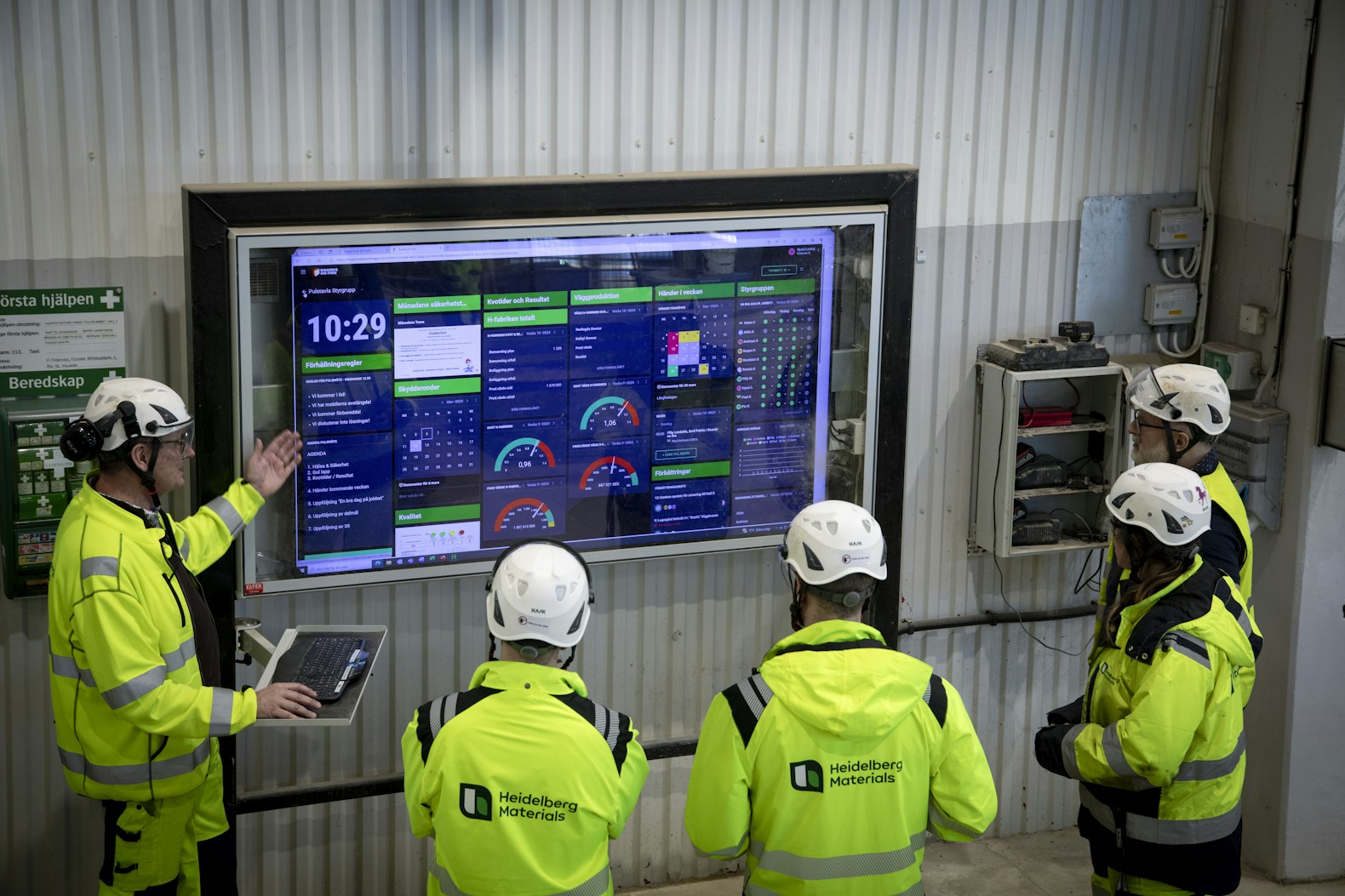
Interested in seeing how Boards on Fire can help your organization? Book a demo here!
Happens at Boards on Fire
Free web demo